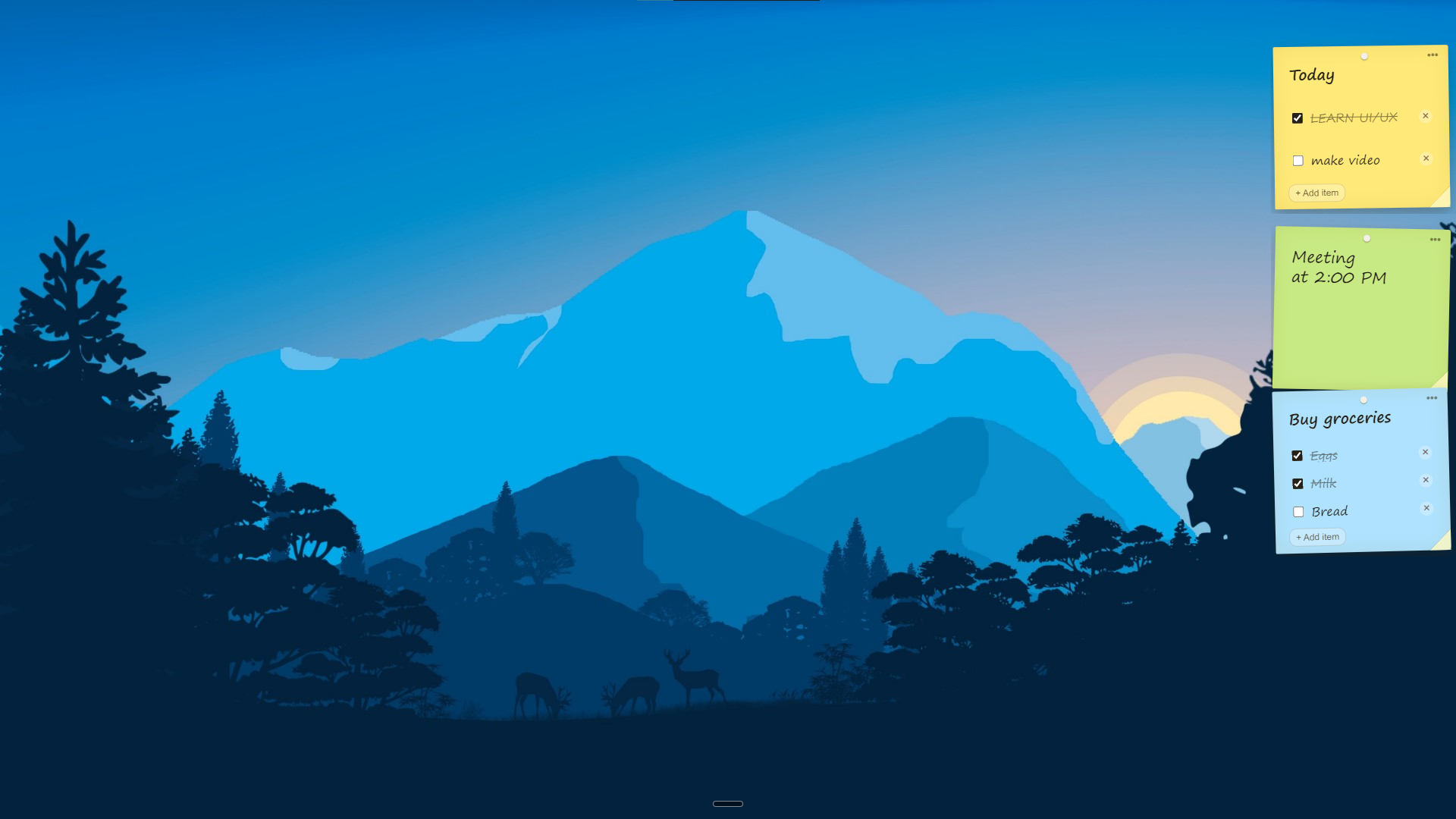



Sticky notes that live on your monitor.
Not inside another app

Sticky notes that live on your monitor. Not inside another app

Pin a thought to the edge of your screen in one keystroke.
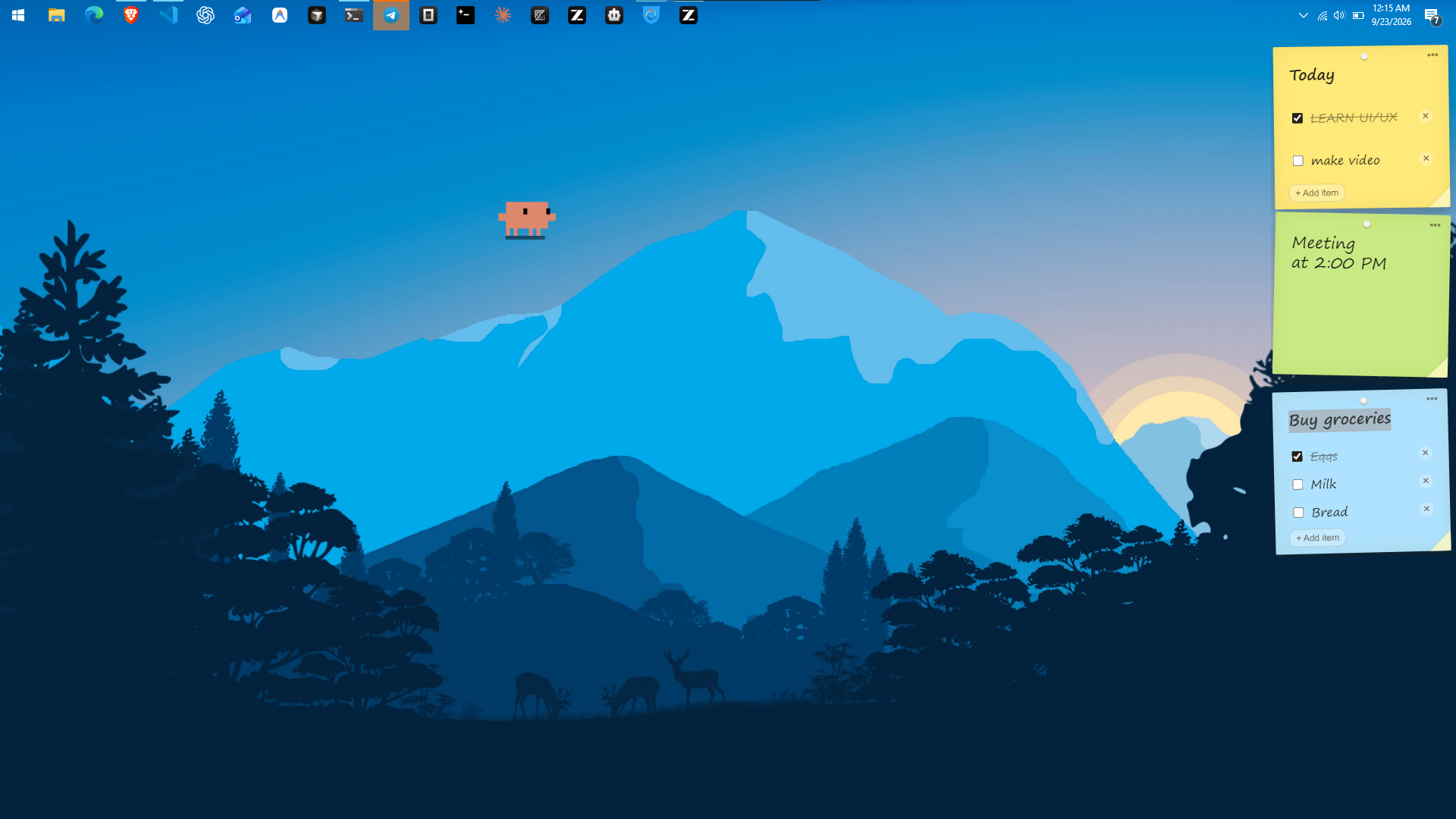
Paper Notes stays above everything you're doing — even fullscreen — then tucks away and slides back out the moment your cursor touches the edge. Plain notes, checklists, five paper colors, everything stored locally. No account, no cloud, no telemetry.

Pin a thought to the edge of your screen in one keystroke.
Paper Notes stays above everything you're doing — even fullscreen — then tucks away and slides back out the moment your cursor touches the edge. Plain notes, checklists, five paper colors, everything stored locally. No account, no cloud, no telemetry.

Pin a thought to the edge of your screen in one keystroke. Paper Notes stays above everything you're doing — even fullscreen — then tucks away and slides back out the moment your cursor touches the edge. Plain notes, checklists, five paper colors, everything stored locally. No account, no cloud, no telemetry.

Your thoughts deserve a place on your screen, not inside another app. Pin them, tuck them, find them again in seconds.

Your thoughts deserve a place on your screen, not inside another app. Pin them, tuck them, find them again in seconds.

Paper Notes is a lighter way to keep thoughts, tasks and reminders in view. No more app-switching, no lost browser tabs, no notes app you forget to open.

Instead, your notes live at the edge of your screen — real-feeling paper that is always one glance away. They stay above everything you are doing, even fullscreen, and tuck away the moment you move on.

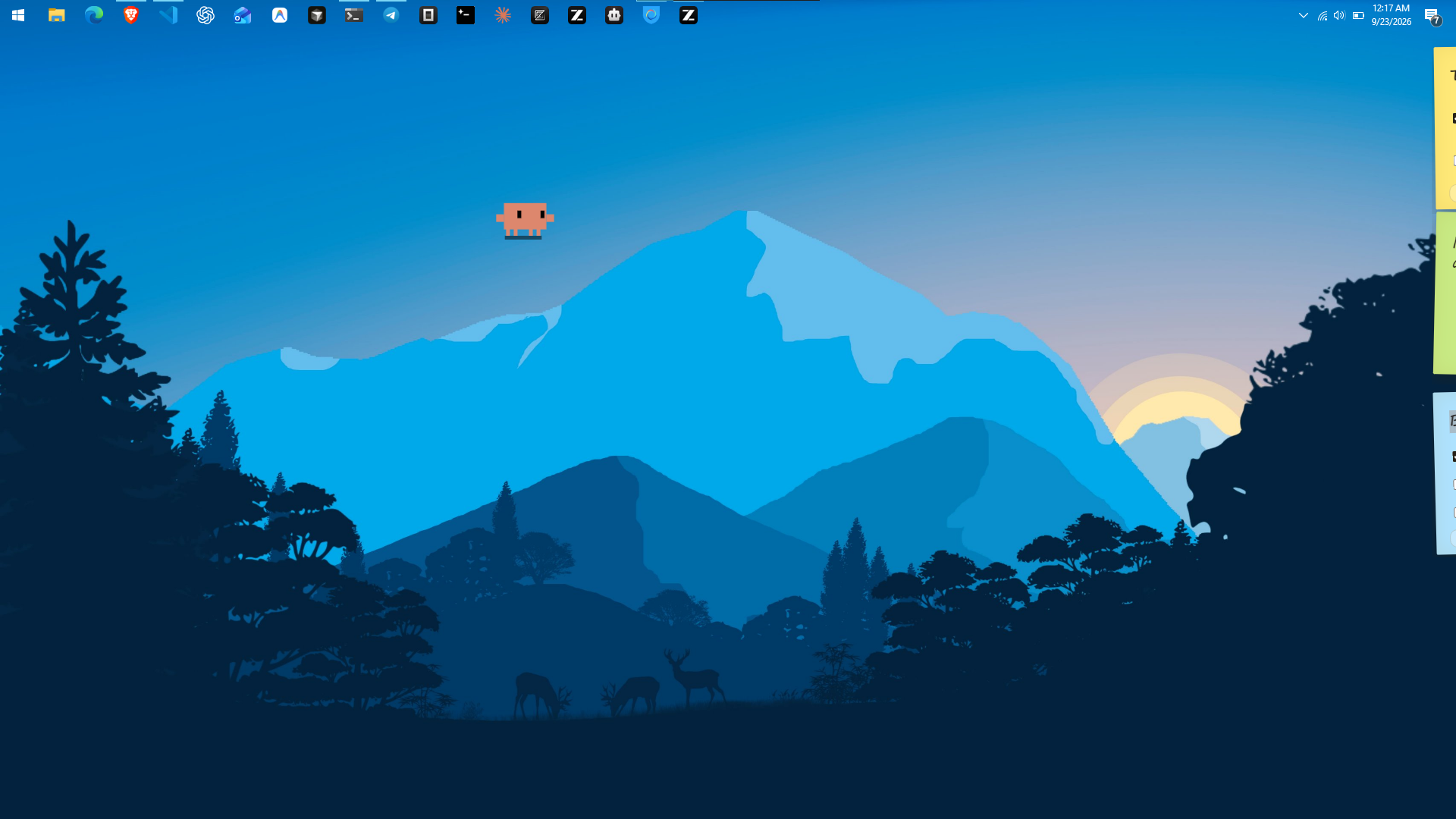
And they slide back out the instant your cursor touches the edge. Nothing to open, nothing to find.

Pin a note to the edge

Pin a note to the edge

Pin a note to the edge

Always on top

Always on top

Always on top

Tucks away, slides back

Tucks away, slides back

Tucks away, slides back

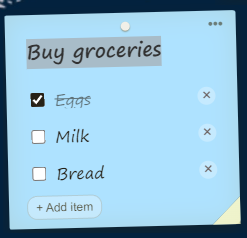
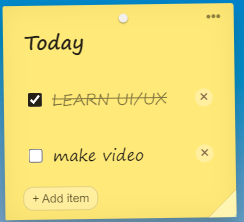
Plain notes & checklists

Plain notes & checklists

Plain notes & checklists

Five paper colors

Five paper colors

Five paper colors

Drag to organize

Drag to organize

Drag to organize

One-keystroke capture

One-keystroke capture

One-keystroke capture

One-keystroke capture

One-keystroke capture

One-keystroke capture

Tray & startup controls

Tray & startup controls

Tray & startup controls

A paper layer for everything you are doing, big or small. Groceries, meeting notes, today's plan, that link you keep re-opening — pinned to the edge, never in the way.

A paper layer for everything you are doing, big or small. Groceries, meeting notes, today's plan, that link you keep re-opening — pinned to the edge, never in the way.

Write it and forget it. Notes remember their color, position and checklist state between sessions, stored right on your own machine — no account, no cloud, no telemetry. Everything is exactly where you left it, even after a restart.


One note for groceries, one for meetings, one for today's plan — stack as many as you like

Shopping lists, agendas, quick thoughts — each note stays where you put it. Drag notes up and down the edge to organize your day.

Checklists that survive restarts and keep your day on track

Checklist mode ticks items off as you go, and everything persists locally. Your list is still there tomorrow, exactly as you left it.

Note tucked away

+3 notes

9:41 AM

Note tucked away

+3 notes

9:41 AM

Note tucked away

+2 notes

9:41 AM

Today's plan

3 items • 1 left

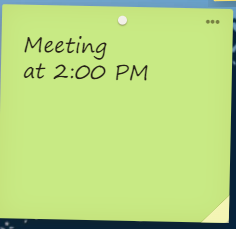
Meeting at 2:00 PM

2:00 PM • reminder

Buy groceries

3 items • 2 left

Reading list

5 links • saved

Note tucked away

+3 notes

9:41 AM

Note tucked away

+3 notes

9:41 AM

Note tucked away

+2 notes

9:41 AM

Today's plan

3 items • 1 left

Meeting at 2:00 PM

2:00 PM • reminder

Buy groceries

3 items • 2 left

Reading list

5 links • saved

Note tucked away

+3 notes

9:41 AM

Note tucked away

+3 notes

9:41 AM

Note tucked away

+2 notes

9:41 AM

Today's plan

3 items • 1 left

Meeting at 2:00 PM

2:00 PM • reminder

Buy groceries

3 items • 2 left

Reading list

5 links • saved

Notes live in one file you own

Your notes live in a single local file — back it up, move it between machines, or version it in git. Restore anywhere and every note comes back exactly where you left it. Nothing ever leaves your machine.

Plain JSON on disk, no lock-in

Export any note as plain text or markdown — paste it into Obsidian, Notion, or anywhere else. Plain formats mean your notes outlive the app. No lock-in, ever.


No account. No cloud. No telemetry. Your notes never leave your machine.

No account. No cloud. No telemetry. Your notes never leave your machine.

Everything is stored locally in a plain file on your own computer. No sign-up, no analytics, no tracking. Open the app, pin a thought, and it stays between you and your screen — the way notes should work.

Local-first by design

Notes persist in a readable JSON file on disk — inspect it, back it up, move it. No mystery database, no vendor lock-in.

Works offline, always

Write notes on a plane, in a basement, on a trail. No internet required — your paper does not need Wi-Fi.

Private by default

No telemetry, no crash reporting, no analytics. Paper Notes makes no network calls at all.

Yours forever

Buy once for $1.99 and it is yours. No subscription, no per-seat math, no renewal emails. Pay once, keep forever.
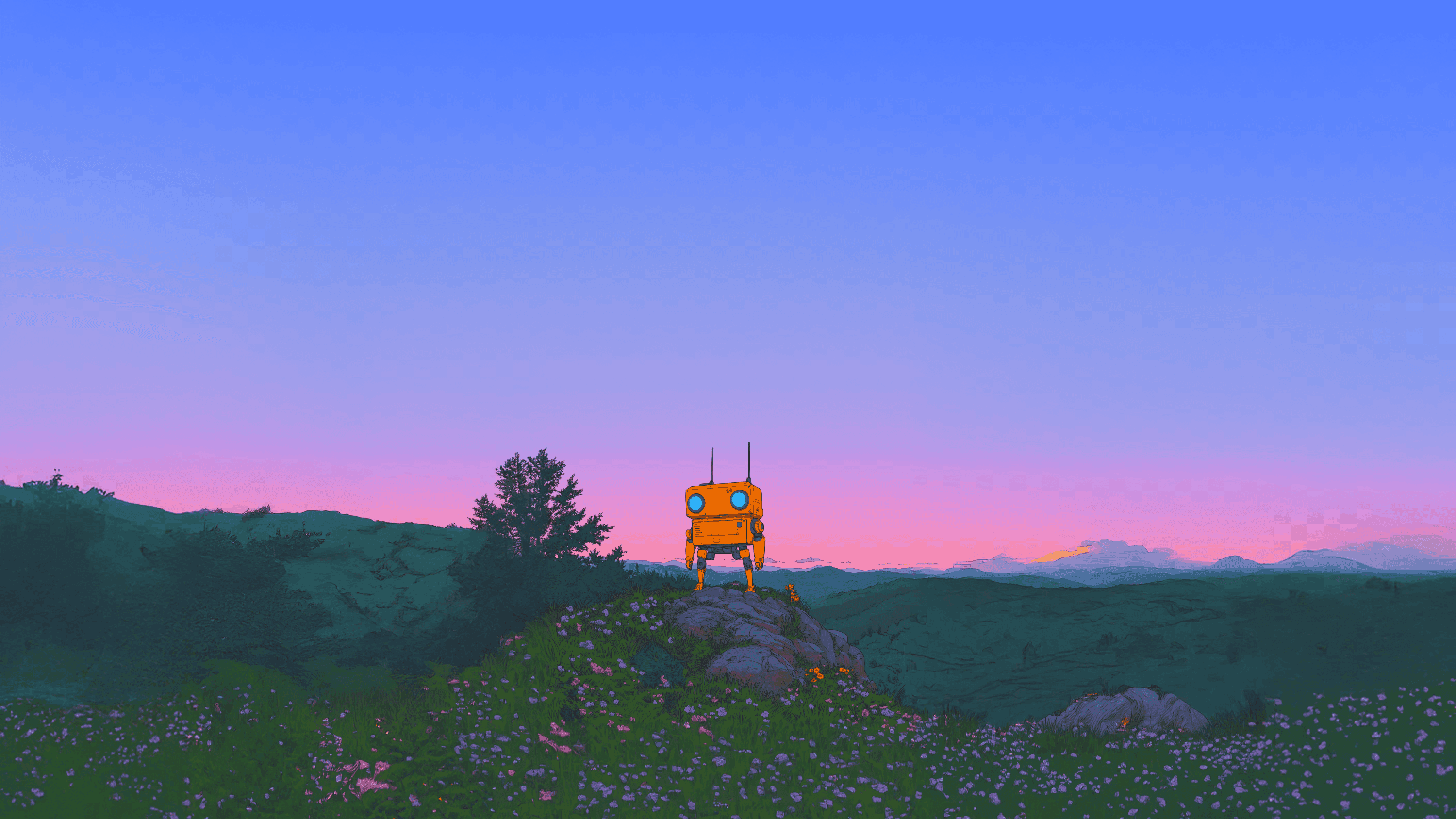
Paper that stays put. That is the whole trick.

Paper that stays put. That is the whole trick.

Make it yours. Five colors, paper textures, and notes that feel real.

Make it yours. Five colors, paper textures, and notes that feel real.

Pick from five paper colors — yellow, pink, blue, green, purple — each with subtle texture, folded corners, and a natural rotation. Shadows and slight imperfections make every note feel like real paper on your screen instead of another gray window. Notes look good enough that you will want to keep them around.
From thought to pinned in seconds. Here's how.

From thought to pinned in seconds. Here's how.

From installing to having your first note tucked at the edge takes about a minute. Smooth like paper.

1

Install and launch

Download the installer for Windows or macOS, run it, and Paper Notes appears at the right edge of your screen with a few starter notes.

2

Press Ctrl+Shift+N

The global shortcut creates a new note instantly — from anywhere, in any app. Or use the tray icon if you prefer clicking.

3

Type, or make a checklist

Write a plain note or switch to checklist mode. Add items, tick them off, edit anytime — everything saves automatically.

4

Drag to position, pick a color

Drag notes vertically to arrange them. Open the ••• menu to switch colors, flip between note and checklist, or delete a note.

5

Move on — it tucks itself

Click elsewhere and the note tucks into the edge, leaving a slim paper strip. Hover the edge and it slides back out. Your screen stays clean; your notes stay put.

Pricing? Glad you asked.

Pricing? Glad you asked.

$1.99 once. That is the whole price. Pay to download, use everything, keep it forever. No upfront fees, no hidden costs, no subscription — not now, not later.

Checkout is handled securely by Dodo Payments — a merchant of record that takes care of taxes, so buying is clean and compliant worldwide.

Compare that to subscription tools charging $3–5 every single month, month after month.

Founder memo

I kept losing notes — in browser tabs, in apps I closed too soon, in screenshots I never opened again. Real paper works because it is already where you are looking, so I built that feeling for the desktop: notes that live on the edge of your screen, tuck away when you are busy, and slide back the moment you need them. No accounts, no cloud, no telemetry: your notes belong to you. If an idea matters for five seconds, it deserves a spot on your screen. Pin it, and get back to work. — Shashank Shashank Tomar · LinkedIn

Shashank Tomar

Maker of Paper Notes

Founder memo

I kept losing notes — in browser tabs, in apps I closed too soon, in screenshots I never opened again. Real paper works because it is already where you are looking, so I built that feeling for the desktop: notes that live on the edge of your screen, tuck away when you are busy, and slide back the moment you need them. No accounts, no cloud, no telemetry: your notes belong to you. If an idea matters for five seconds, it deserves a spot on your screen. Pin it, and get back to work. — Shashank Shashank TomarShashank Tomar · LinkedIn

Shashank Tomar

Maker of Paper Notes

Founder memo

I kept losing notes — in browser tabs, in apps I closed too soon, in screenshots I never opened again. Real paper works because it is already where you are looking, so I built that feeling for the desktop: notes that live on the edge of your screen, tuck away when you are busy, and slide back the moment you need them. No accounts, no cloud, no telemetry: your notes belong to you. If an idea matters for five seconds, it deserves a spot on your screen. Pin it, and get back to work. — Shashank Shashank TomarShashank Tomar · LinkedIn

Shashank Tomar

Maker of Paper Notes

Pin your first note in the next minute. Download Paper Notes.

Pin your first note in the next minute. Download Paper Notes.

Join the first wave of Paper Notes users. Download once for $1.99, pin your first note, and get back to work.

One price, yours forever — Download for $1.99. MIT licensed — read the full license here. Or simply say hi by email.

With much love from India.

One price, yours forever — Download for $1.99. MIT licensed — read the full license here. Or simply say hi by email.

With much love from India.

All rights reserved, 2026

All rights reserved, 2026

made for humans